Skip to content
  • https://www.facebook.com/
  • https://twitter.com/
  • https://t.me/
  • https://www.instagram.com/
  • https://youtube.com/
OnFrontMedia

Your Trend Compass

OnFrontMedia

Your Trend Compass

  • News
  • Entertainment
  • MindMingle
  • Technology
    • Phones and Wearables
    • Artificial Intelligence
    • Cars
  • News
  • Entertainment
  • MindMingle
  • Technology
    • Phones and Wearables
    • Artificial Intelligence
    • Cars
Close

Search

Home/Technology/Phones and Wearables/Google Photos Search Update: Best Match and Natural Language Features Explained
Google Photos Search Update
Phones and WearablesTechnology

Google Photos Search Update: Best Match and Natural Language Features Explained

By Maarij Rehman
September 6, 2024 2 Min Read
0

Google Photos Makes Search Better with Natural Language and Best Match Features!

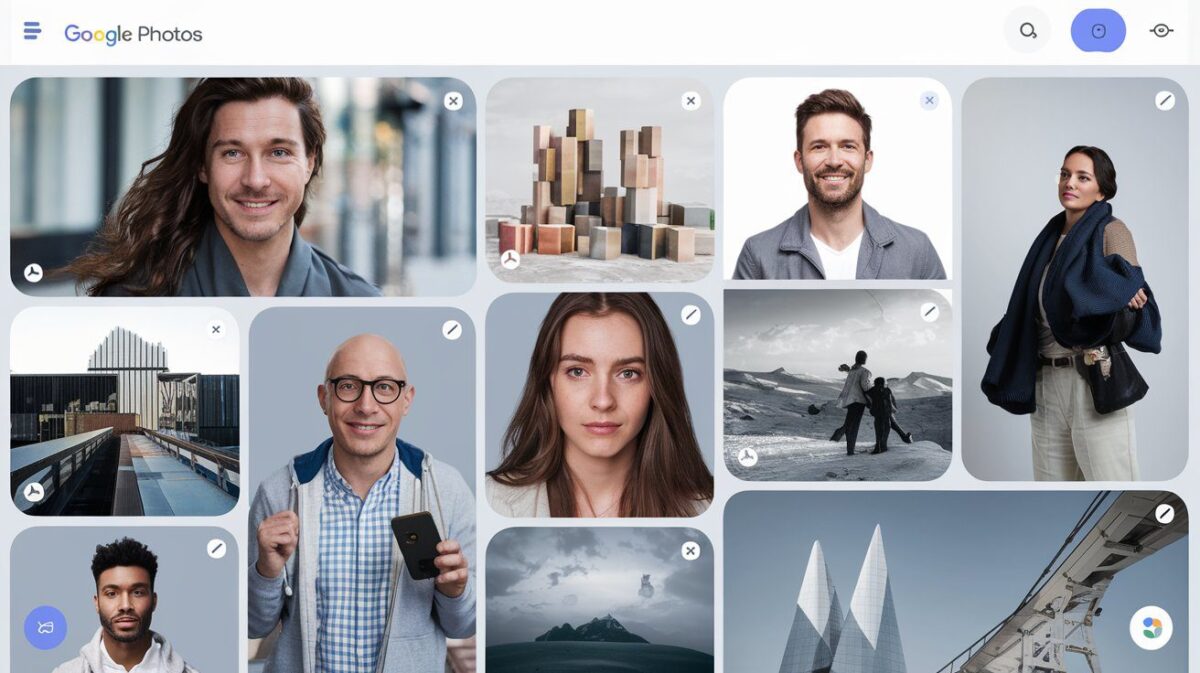
The Google Photos Search Update brings exciting new features like Best Match and natural language search, making it easier to find your favorite photos.

Google Photos is making it easier to search for pictures by adding cool new features like natural language and best match to its search function.

Google Photos Search Update

Google Photos is giving its “classic search” on Android and iOS apps a big update. Now, it’s adding things like “Best Match” and natural language search to make finding your photos even easier. This update is rolling out for Android and iOS, and it’s here to make searching for your photos much better.

With this new update, you can now search for photos using “everyday language.” For example, you can type in stuff like “Alice laughing while canoeing in a lake surrounded by mountains” or “Emma painting in the backyard.” This makes finding exactly what you’re looking for super easy and clear.

The “Best Match” feature is also here to help. Instead of just showing your photos in reverse order, it’ll organize them better. The results will be shown in a grid, and you’ll still have the “Most Recent” option at the top if you need it. Google Photos will automatically choose the best filter for your search, so you’ll get faster and more accurate results.

These updates are being rolled out for Android and iOS users in English, with more languages coming in the next few weeks.

Also Read: New Android Features 2024: 5 Exciting Updates You Need to Know!

[rank_math_rich_snippet id=”s-d7d367ef-1c75-4967-9c80-fd17a13ef872″]

Tags:

Androidbest match featureGoogle PhotosGoogle Photos FAQGoogle Photos new featuresGoogle Photos updateiOSmobile appsnatural language searchphoto searchtech updates
Author

Maarij Rehman

Passionate blogger dedicated to exploring a diverse range of topics, from cutting-edge technology and innovation to lifestyle and wellness. With a keen eye for detail and a commitment to delivering engaging, informative content, I strive to inspire and inform my readers through every post. Join me on a journey of discovery and stay updated with the latest trends and insights.Specialties:Technology & Innovation Lifestyle & Wellness Thoughtful Analysis & Engaging Content Health Follow my blog to stay informed and inspired!

Follow Me
Other Articles
Trump and Elon Musk Government Efficiency
Previous

Trump and Elon Musk Government Efficiency Plan for Second Term

Is It Bad to Drive with a Quarter Tank?
Next

Is It Bad to Drive with a Quarter Tank? Understanding the Risks to Your Car

No Comment! Be the first one.

    Leave a Reply Cancel reply

    Your email address will not be published. Required fields are marked *

    Recent Posts

    • Zelda Ocarina of Time Switch Remake Rumor Explained: What Really Happened With That GameStop Listing
    • Tides of Annihilation Gwendalyn Recast Explained: New Voice Before Gamescom 2026
    • Violent Clashes Erupt across Pak-Afghan Border.
    • Why Is Crypto Crashing Today: Trump China Tariff News Hit Market?
    • Latest Update of Lahore and Islamabad Ahead of TLP March

    Pages

    • About
    • Author
    • Contact Us
    • Dislclaimer
    • DMCA Policy
    • Home
    • Latest News
    • Privacy Policy
    • Terms and Conditions
    Copyright 2026 — OnFrontMedia. All rights reserved.